
Short answer
The best markdown note taking app for most people is Obsidian, because every note is a plain .md file in a folder you choose. NotePlan and Typora also keep real files. Joplin and Bear store markdown inside a database and Apple Notes only exports it. For a team and an AI writing the same files, Baalda.
The best markdown note taking app for most people in 2026 is Obsidian, because it writes every note as a plain .md file in a folder you choose, so any other tool can read your notes. NotePlan and Typora pass the same test, Joplin and Bear keep markdown inside a database, and Baalda is the pick when a team and an AI have to write the same files.
Every app on the lists that rank for this query supports markdown. That label covers three different things: an app that writes .md files to a folder, an app that stores markdown text in its own database, and a note app that keeps notes to itself but can export them as markdown. They feel the same while you use them. They are very different on the day you stop, and in 2026 that day comes sooner than it used to, because the AI tools around your notes change every few months and each one wants to read your files.
So this list is sorted on one test: quit the app, open the folder in something else, and see what is there. Baalda, the app this site is for, is on it for the reader with a second question, which is what happens when more than one person writes into that folder. Every storage claim below comes from the vendor's own help pages, checked on 8 November 2026.
Which markdown note taking apps actually keep your notes as files?
| App | Where the note lives | What you have after you quit | Platforms |
|---|---|---|---|
| Obsidian | .md files in a vault folder you pick | The same folder, unchanged | Desktop and mobile |
| NotePlan | Plain text or markdown files, .txt by default | The files, once you switch the extension to .md | macOS and iOS apps |
| Typora | The .md file you opened | The file, it is just an editor | Desktop |
| Logseq, file graphs | .md files in a graph folder | The folder | Desktop and mobile |
| Logseq, DB graphs | A database | An export | Desktop, in beta |
| Joplin | Markdown text inside its own database | An export | Desktop and mobile |
| Bear | A SQLite database | An export to .md or TextBundle | Mac, iPhone, iPad |
| Apple Notes | Inside the Notes app | An export to Markdown | Apple devices |
| Baalda | .md files on every member's disk | The same folder, unchanged | Desktop |
What does "markdown" mean for each kind of app?
Files in a folder. Obsidian's help says it "stores your notes as Markdown-formatted plain text files in a vault", and that a vault "is a folder on your local file system, including any subfolders". The app adds one hidden .obsidian folder for its settings and leaves the notes alone. Any editor, any sync tool, Git, and any AI agent with file access can read them while Obsidian is closed or uninstalled.
Markdown inside a database. Joplin's documentation says "the notes are in Markdown format", and the same help pages refer to "the Joplin sqlite database" and describe its sync directory as "basically just a database". Bear's FAQ is just as plain: "On both iOS and macOS, Bear's notes are stored in a SQLite database." You write markdown, you can export markdown, and in between the text belongs to the app's own store.
A note app with an export. Apple Notes now lets you export a note as Markdown (File, then Export To) and import Markdown files, according to Apple's own guide. That is useful, and it is still a conversion: the note itself is a Notes note, not a file you can point another tool at.
None of these is wrong. A database gives Bear its speed and its tag model. The question is only which one you need, and that depends on what else has to read your notes.
Why does it matter where the markdown lives?
Because the app you write in is rarely the only thing that reads your notes any more. A coding agent like Claude Code or Codex reads a folder. A sync tool copies a folder. Git versions a folder. When the notes are files, each new tool is one more reader of the same thing. When they sit inside a database, each new tool needs an export or a plugin, and the export is a copy that starts going stale the moment you make it.
The same holds when you switch apps. Moving from one file-based app to another is opening the folder in the new one. Moving out of a database app is an export, a check that your tags, links and attachments survived, and a decision about what to do with the notes that did not. Bear, to its credit, has a "Keep tags during export" setting for exactly that reason. What it takes to move a team out of Notion shows how much of that work lands on whoever runs the migration.
Which one should you pick?
- Most people, any platform: Obsidian. Files, a huge plugin library, and free for personal and work use according to its licence page, last updated 20 February 2025.
- Notes, tasks and a calendar on Apple devices: NotePlan, which its help centre says keeps notes "as plain text / markdown files on iOS and macOS", in an iCloud Drive folder called NotePlan when you sync that way. Change the default extension to
mdin its preferences if you want other apps to see them as markdown. - A clean editor for files you already have: Typora, $14.99 once for up to 3 devices. It opens and saves
.mdfiles and leaves where they live to you, Dropbox, iCloud or a plain folder. - Daily journals and outlines: Logseq, the file-graph version. Its README marks the newer DB version as beta and says "data loss is possible", and DB graphs keep notes in a database rather than in files.
- One person, every device, encrypted sync to storage you already pay for: Joplin, accepting that the folder it syncs to is its own format.
- Beautiful writing on a Mac, iPhone and iPad: Bear, with the database trade above. Pro is $2.99 a month or $29.99 a year.
- A team that has to write the same markdown files, with an AI reading and writing them too: Baalda.
If open source is a hard requirement, the open source round-up sorts the same field by licence, down to the sync server.
What changes when a team shares the markdown files?
None of the file-based apps above lets two people type in the same note at the same time and still leaves a plain .md file on each person's disk. Put an Obsidian vault in a shared Dropbox and two people editing the same note at once get a conflicted copy, not a merge. That is the gap Baalda is built for, and it keeps the quit test intact while closing it.
A Baalda vault is a folder of plain .md files on each member's disk. Its search index and live editing state sit in one hidden .context/ folder next to the notes, the way Obsidian keeps .obsidian, and the notes themselves stay ordinary markdown with frontmatter, tags and [[wikilinks]]. When two people type in the same note, the edits merge as operations in a CRDT and each person's app writes the merged result back to their own copy of the file. The sync server stores only binary updates, never the markdown, which is why the files on your disk survive even if the server goes away.
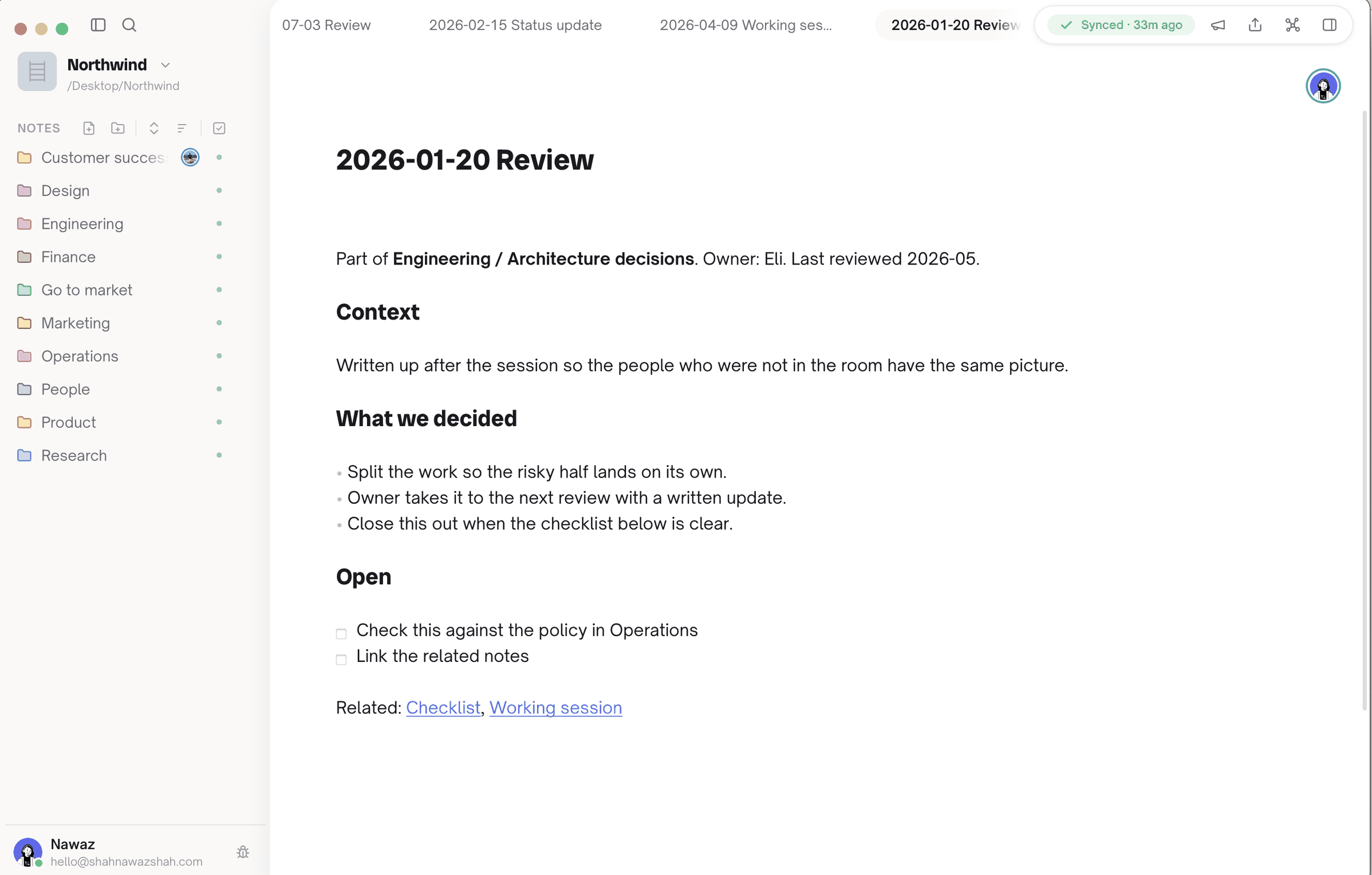
The AI half follows from the files. A local agent such as Claude Code or Codex edits the .md files directly with no setup, and Baalda diffs its change into the same CRDT, so the agent's paragraph merges with a teammate's typing instead of overwriting it. An assistant that cannot see your disk uses the built-in MCP endpoint, gated by the same per-file permissions as a person. Baalda also opens an existing folder of markdown as it is, so a vault you started in Obsidian does not need an export to move.
For how the live editing compares with Obsidian's collaboration plugins, see Obsidian multiplayer, in real time.
Where is Baalda the wrong choice?
For one person choosing a markdown app, usually. Baalda is desktop only, on macOS, Windows and Linux, with no phone app, so if you write on your phone pick Obsidian, NotePlan or Bear. Obsidian's plugin library is far larger, and a single writer gains nothing from a sync server. Baalda earns its place when two or more people, or a person and an agent, need to write the same markdown files and still own them: free locally, free to self-host for a whole team under Apache-2.0, or $10 per seat a month, from three seats, on the managed Team plan.