
Home dashboards
One page the whole team starts the day from.
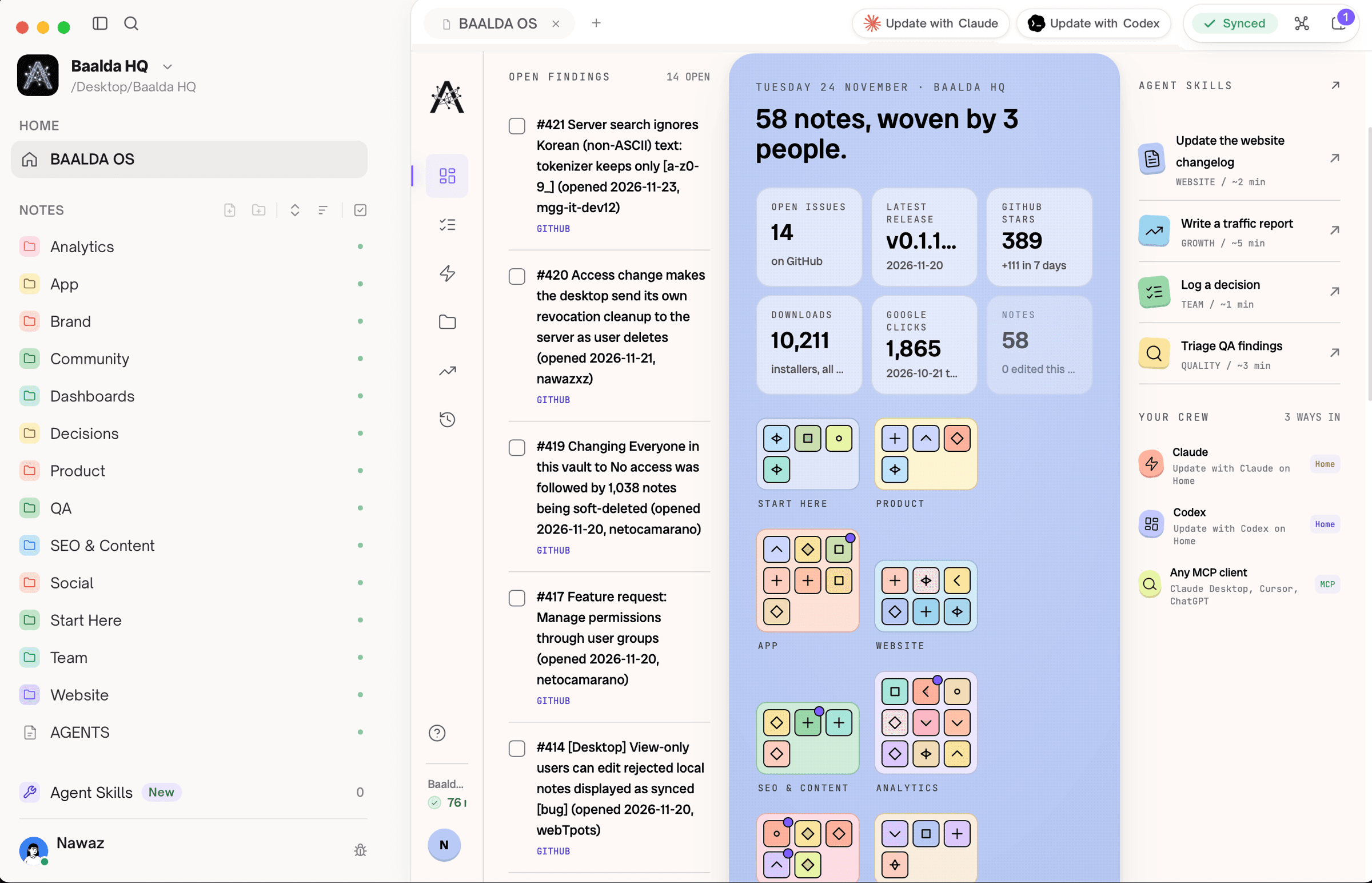
Any note can be Home. Make it a dashboard, an HTML page in your vault, and let Claude or Codex fill it with real work from your notes. Baalda shows it, your agent writes it.
How it works
Baalda renders. Your agent writes.
A dashboard is an ordinary .html note in your vault. You or your agent write the page; Baalda displays it, reloads it when the file changes and syncs it with the same access rules as any other note. There is no separate dashboard database.
Templates
Start from one, or from blank.
- Daily homeWhat is on today, from your notes.
- Project trackerWhere each project stands.
- Reading listWhat the team is reading and why.
- Team pulseWho is working on what.
- CRM-liteClients and where each one is at.
- BlankYour own page, with an editing guide inside.
Update with AI
One click to refresh it from the vault.
While Home is open, Update with Claude and Update with Codex sit next to the main navigation. Your agent reads the vault and rewrites the page. An agent can also edit the file through the MCP tools, or directly on disk, and the open page reloads.
Good to know
What it does not do.
- Baalda never writes the dashboard itself. You or your agent write the page, and Baalda displays it.
- The Update buttons need Claude or Codex on the computer. Without them, Baalda offers a prompt to copy instead.
- Setting a shared vault Home is for owners and admins.
FAQ
Frequently asked questions
What is a dashboard in Baalda?
An ordinary HTML note in your vault. You or an AI agent write it, and Baalda displays it and keeps it in sync like any other note.
Can any note be my Home?
Yes. Markdown notes, HTML dashboards and linked notes can all be set as Home.
Can the whole team share one Home?
Yes. An owner or admin can set a vault Home, which every member can read.
Start your team’s brain
Free and open source. No account needed.